Site Photos
Site Photos is the project's progress photography, filed against the project rather than scattered across phones and email threads.
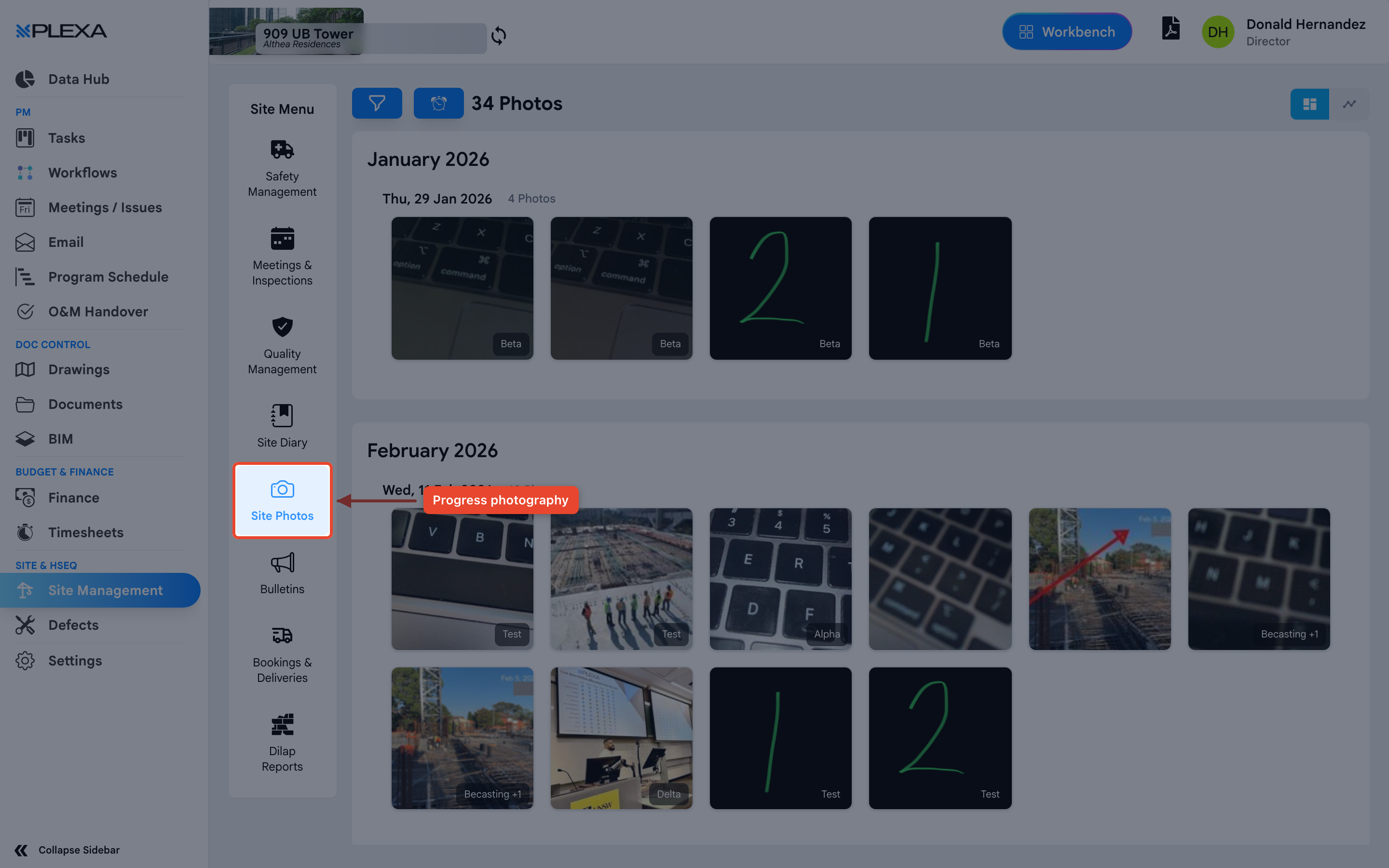
What It Is For
Progress photographs answer questions that arise long after the work is covered up — what the substrate looked like before the screed went down, where a service actually runs, what condition an area was in on a particular date.
Photographs taken on a phone and left there are effectively lost to the project. Filed here they stay with the job.
Photograph anything that will be concealed by later work, on the day it is concealed. It is the cheapest insurance a project has.
Photos Elsewhere in Plexa
Site Photos is for general progress photography. Photographs attached to a specific record — a defect, an observation, an incident — belong on that record, where they stay with the item being resolved rather than in a general gallery.
Notes & Recommendations
- Capture the same viewpoints repeatedly. A consistent angle over weeks tells the progress story far better than scattered close-ups
- Include something for scale and a recognisable reference point, so the location is obvious later
- Dilapidation photography belongs under Dilap Reports, which is structured for before-and-after comparison
Need More Support?
For Individual requests related to using Plexa Tools, Contact PLEXA SUPPORT
Email: support@plexapro.com
Phone: 1300 117 140
We're here to help you get the most out of Plexa.