O&M Handover
O&M Handover is where the operations and maintenance manuals are assembled at the end of a project. Rather than collecting documents by email in the final weeks, the structure is built up front and each subcontractor fills their part as work completes.
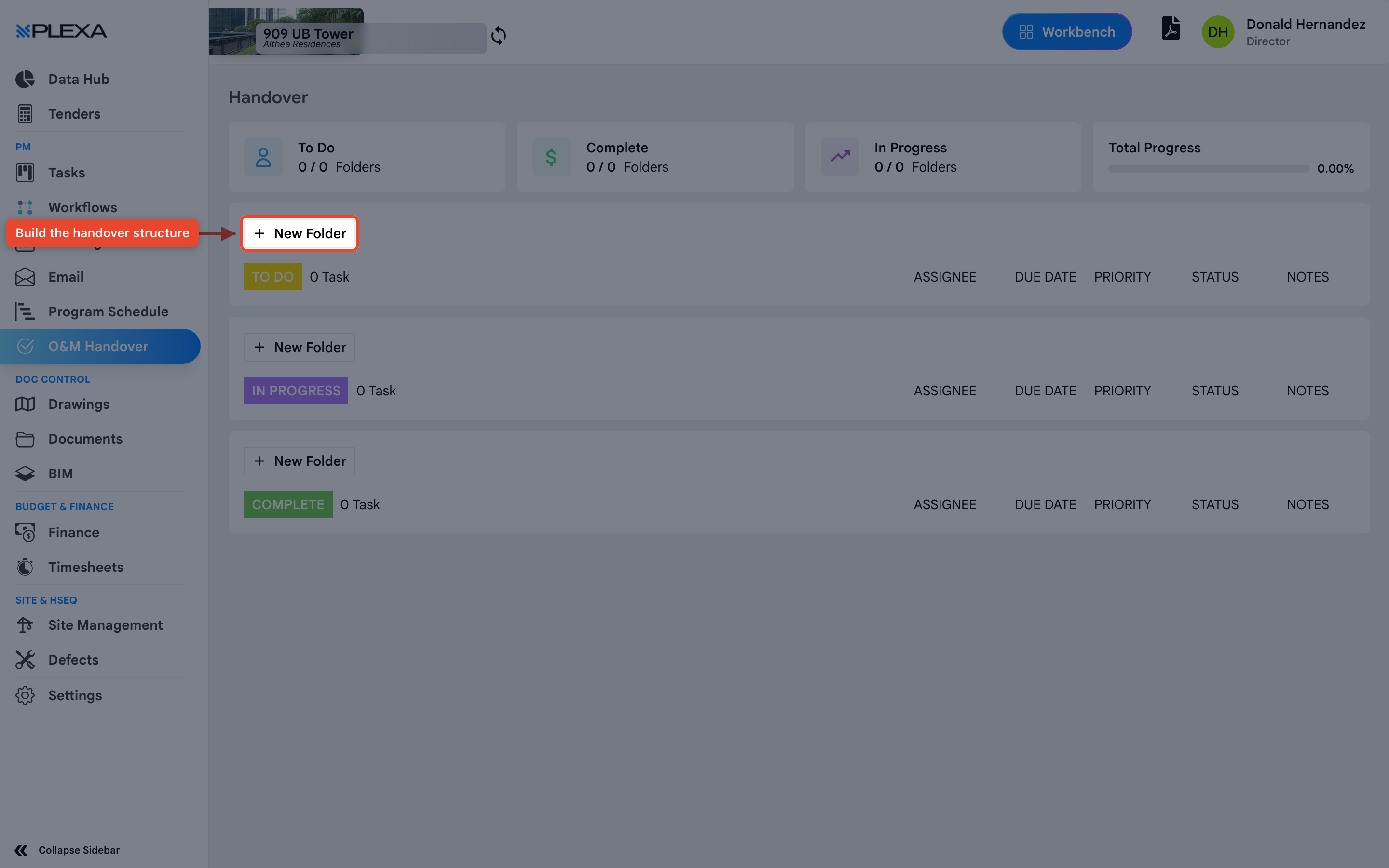
Step By Step Guide
Select "O&M Handover" in the Plexa sidebar
Select "New Folder" to add a section of the manual
Assign the folder to the company responsible for filling it
Track completion from the dashboard as folders are filled
Tracking Progress
The dashboard counts folders rather than files: "To Do", "In Progress" and "Complete", each shown as a fraction, with an overall "Total Progress" percentage.
Build the folder structure early. Handover is far easier when subcontractors upload as they finish rather than all at once at practical completion.
Notes & Recommendations
- Subcontractors invited to handover are invitees — they see only this module, not the rest of the project
- Progress is measured by folders, so a folder with one file counts the same as one with fifty. Structure the folders to match how the manual will be read
- Handover documents are separate from the Documents module. Putting a manual in Documents does not advance handover progress
Need More Support?
For Individual requests related to using Plexa Tools, Contact PLEXA SUPPORT
Email: support@plexapro.com
Phone: 1300 117 140
We're here to help you get the most out of Plexa.