Dilap Reports
A dilapidation report records the condition of neighbouring property or existing structures before work starts, and again afterwards. It is what settles a damage claim.
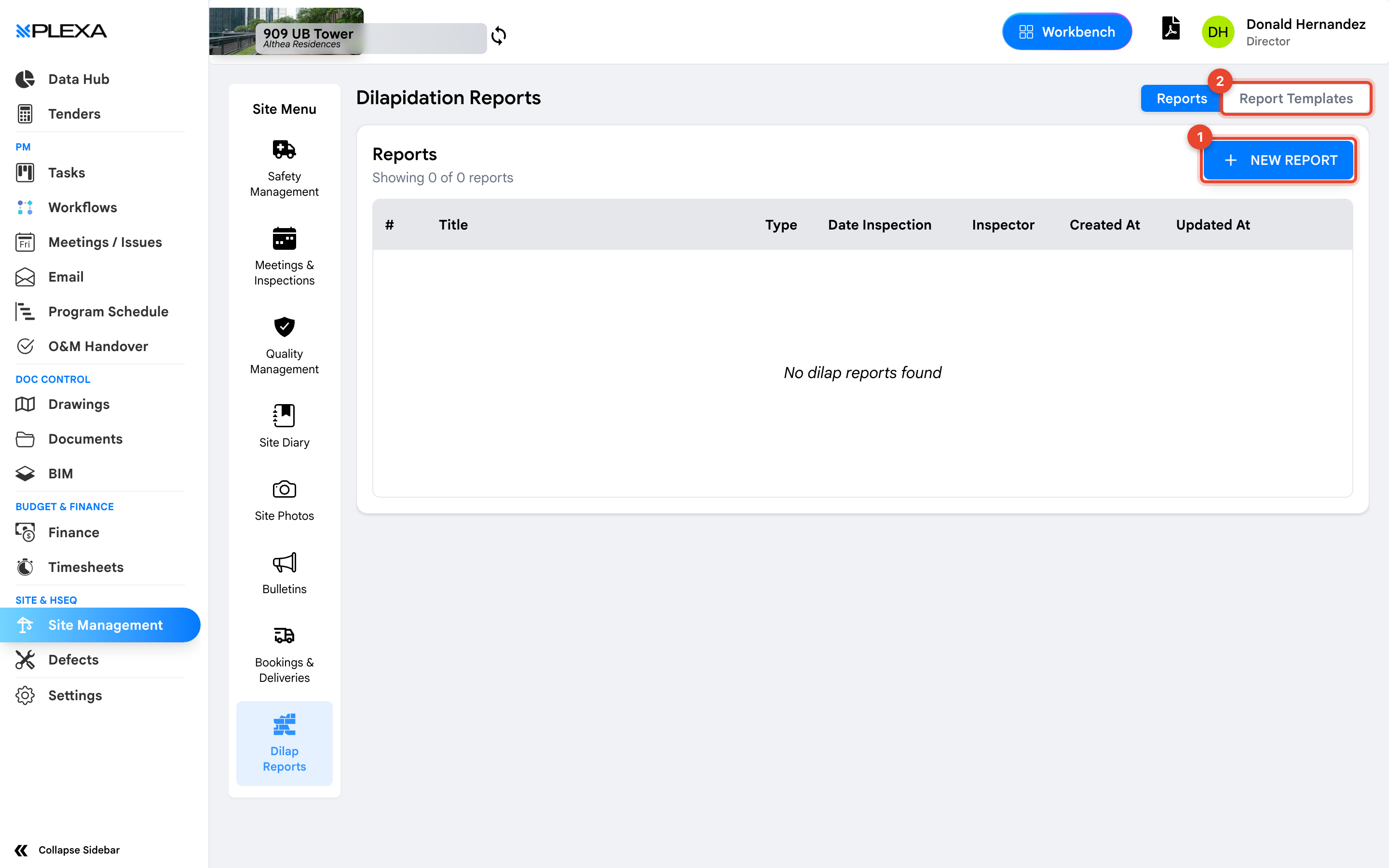
1 "New Report" · 2 "Report Templates"
Reports and Templates
The section has two views:
- "Reports" — the dilapidation reports recorded on this project
- "Report Templates" — the reusable structures reports are built from
Select "New Report" to create one.
Each report row shows the "Title", "Type", "Date Inspection", the "Inspector", and when it was "Created At" and "Updated At".
The pre-existing condition survey is only useful if it was done before work started. A dilapidation report created after a complaint is worth very little.
Why Templates Matter
A dilapidation report is only persuasive if it is systematic — the same rooms, elevations and defects recorded the same way each time. Templates enforce that, so two inspectors produce comparable reports and the after survey can be read against the before.
Notes & Recommendations
- Record the inspection date, not the date the report was written. They are frequently different and only one of them matters
- Photograph existing cracks and damage generously. An unrecorded pre-existing crack becomes your crack
- Agree the template before the first survey. Changing structure midway makes before-and-after comparison harder than it needs to be
Need More Support?
For Individual requests related to using Plexa Tools, Contact PLEXA SUPPORT
Email: support@plexapro.com
Phone: 1300 117 140
We're here to help you get the most out of Plexa.