What You Can and Cannot See
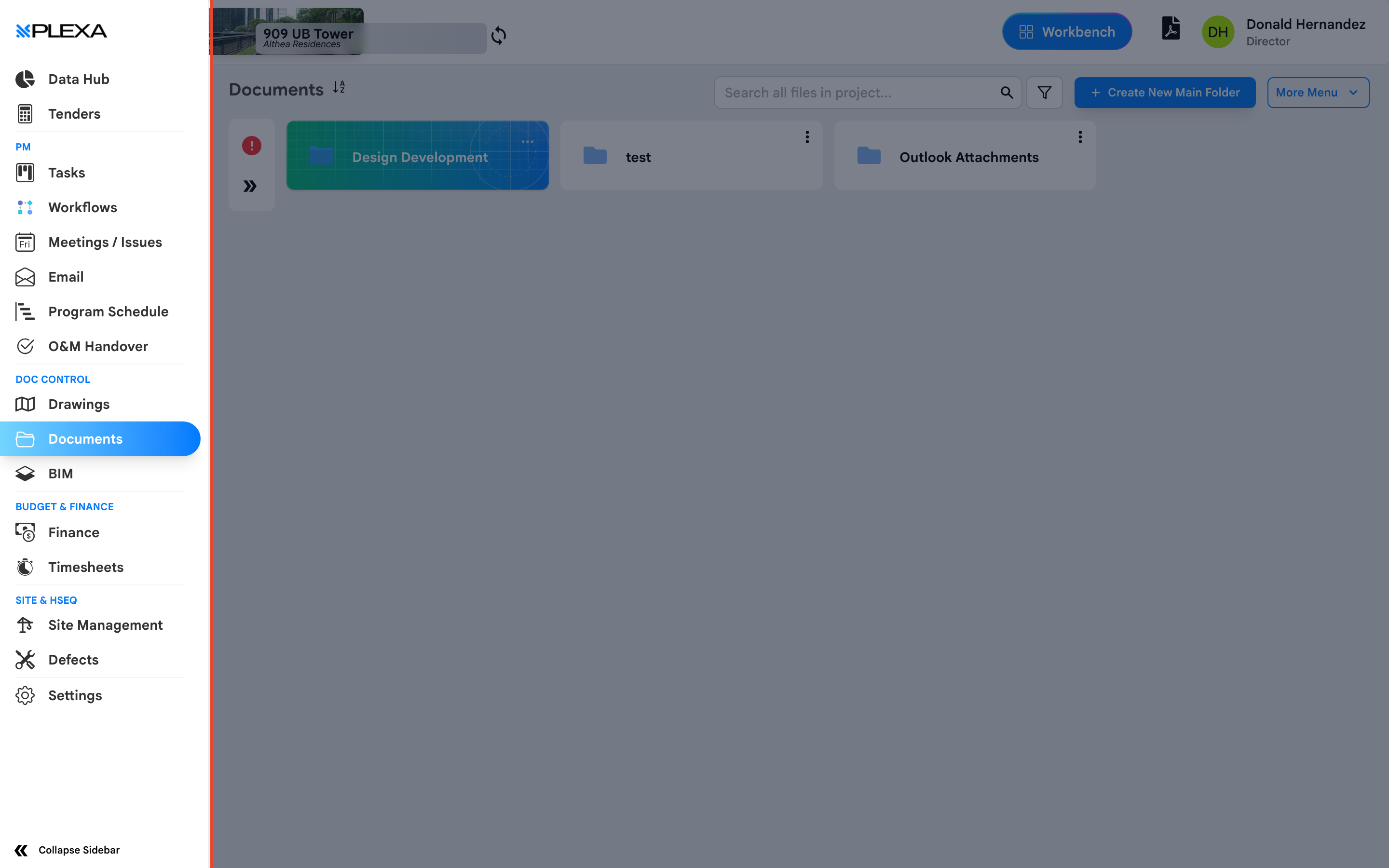
Two people can open the same Plexa project and see different menus. That is deliberate. What you see is shaped by the type of account you hold and the permissions your Admin has granted, so this guide explains why a module might be missing before you report it as a fault.
Two Kinds of Account
Plexa distinguishes between people inside the organisation running the project and external companies invited to take part in one area of it.
- Project team members work for the organisation delivering the project and see the full set of modules their role allows
- Invitees are external — a subcontractor invited to price a tender, respond to defects, or submit claims. They see only the module they were invited into
If you are an invitee, a short sidebar is expected. You are not missing anything; you have been given access to one part of the project rather than all of it.
Every module in the sidebar is permission-controlled. If a module is missing, it has not been granted to your role — it is not hidden by accident.
Why a Module Might Be Missing
NO PROJECT IS SELECTED
Most modules need a project before they will open. Return to the "Dashboard" and select one
YOUR ROLE DOES NOT INCLUDE IT
Access to Finance, Budget, Documents, Site Management and the rest is granted separately. Ask your Plexa Admin to review your permissions
THE MODULE IS NOT SET UP YET
Some modules stay hidden until they are configured for the project. Finance, for example, sends you to a setup screen until it has been set up
YOU ARE AN INVITEE
External accounts see only the module they were invited into
Notes & Recommendations
- Ask for access by naming the module and the project — permissions are granted per project, not once across all of Plexa
- "Settings" appears only for Admins. Not seeing it simply means you are not one
- Screenshots in this knowledge base were taken with broad access, so you may see fewer menus than the images show
Need More Support?
For Individual requests related to using Plexa Tools, Contact PLEXA SUPPORT
Email: support@plexapro.com
Phone: 1300 117 140
We're here to help you get the most out of Plexa.